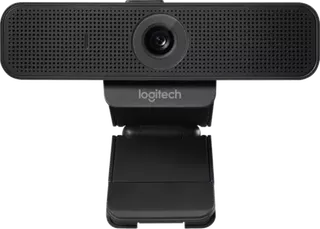
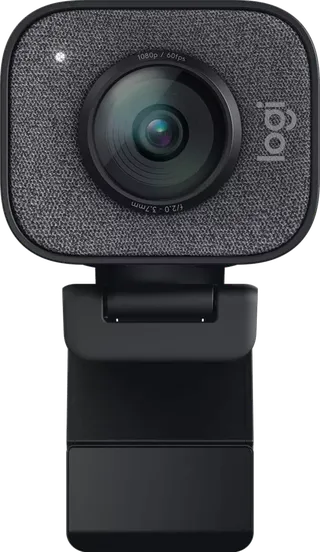
Poly Studio P5
7.5
Webcams

Poly Studio P5

Write a review
Compare
Imaging
  • Yes Indicator light
  • 80° Field of view better than 35%
  • 1080 × 30 fps Video recording better than 31%
  • 4 MP Megapixels (main camera) better than 28%
Add to comparison

About the model

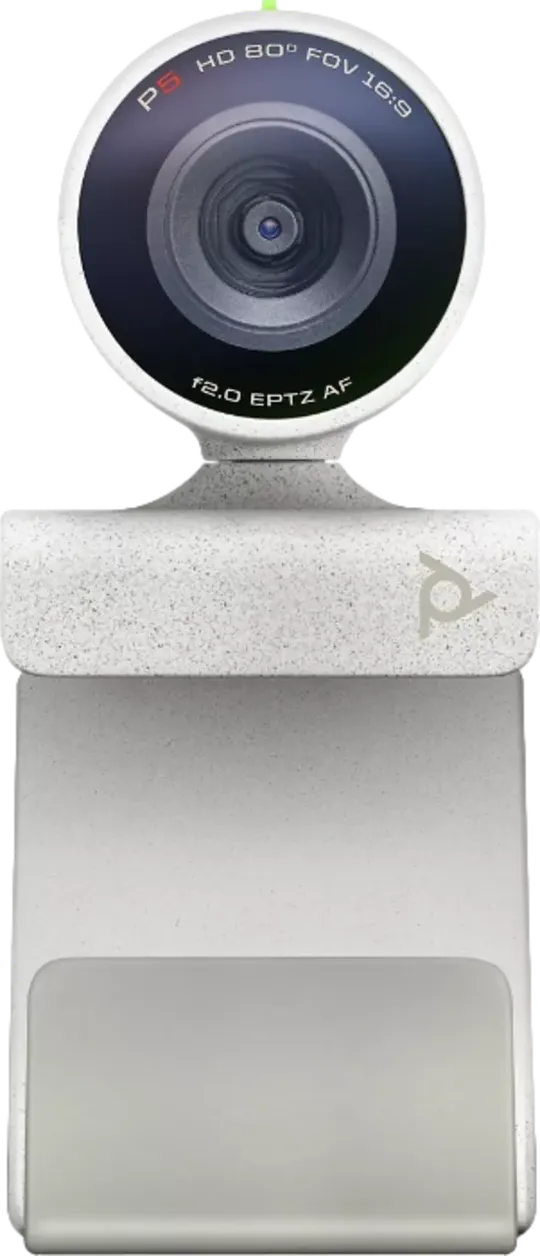
The Poly Studio P5 is a webcam released in 2021. It pairs a 4 MP CMOS sensor with a glass lens and an adjustable 80 ° field of view, while continuous autofocus keeps the picture sharp and auto light correction brightens dim rooms.

A privacy shutter covers the lens when the camera is off. A built-in microphone and speaker handle calls, and the tripod mount and USB Type-C port keep setup simple. It weighs 98 g, works with Android, iOS and Mac OS X, and measures 37.7 by 34 by 62 mm.

Overview

Audio
Design
Optics
Videography
Connectivity & Features
Why Poly Studio P5 is better than average
  • Warranty period
    2 years
    better than 76%
  • Height
    34 mm
    better than 88%
  • Width
    37.7 mm
    better than 78%
All specifications

Often compared with

7.1
Compare
To favorites
4.6
Compare
To favorites
6.2
Compare
To favorites
7.7
Compare
To favorites
9.4
Compare
To favorites
4.8
Compare
To favorites
7.8
Compare
To favorites
7.5
Compare
To favorites
5.0
Compare
To favorites
3.9
Compare
To favorites

Poly Studio P5 prices

Prices are updated daily and may differ from the shop. We may earn a commission from purchases.

Design

Specifications
Privacy shutter
Yes
Indicator light
Yes
Tripod mount
Yes
Video light
No
Motion sensor
No
Warranty period
2 years
Maximum operating temperature
40 °C
Lowest potential operating temperature
0 °C
Thickness
62 mm
Height
34 mm
Weight
98 g
Width
37.7 mm

Videography

Specifications
Auto light correction
Yes
Continuous autofocus for movies
Yes
Field of view
80°
Adjustable field of view
Yes
Vertical video recording
No
Video recording
1080 × 30 fps

Optics

Specifications
Megapixels (main camera)
4 MP
Glass lens
Yes
CMOS sensor
Yes

Audio

Specifications
Built-in microphone
Yes
Built-in speaker
Yes

Connectivity & Features

Specifications
Release date
9 Dec 2021
USB Type-C
Yes
Compatible with Android
Yes
Compatible with Chrome OS
No
Compatible with iOS
Yes
Compatible with Mac OS X
Yes
HDMI output
No
Is compatible with Windows
Yes

Miscellaneous

Specifications
Supports a remote smartphone
No
Has a remote control
No
Highest frequency mic
16,000 Hz
Lowest frequency mic
50 Hz
Can be used wirelessly
Yes

Owner reviews

Share your experience with Poly Studio P5! It takes a couple of minutes and helps others choose.
Reviews (1)
  • Carlos Simpson
    7/10
    7/10
    • Autofocus: 7/10
    • Low-light performance: 6/10
    • Camera: 6/10
    • Build quality: 7/10
    • Video quality: 7/10
    The replacement works, unlike the first one
    The first unit I got had a mic that clicked every few seconds and autofocus that kept hunting even when I stood still, so I took it back to the store and they exchanged it that same afternoon. The new one has been fine for around three months, which is what I figured a 4 MP webcam should do from the start. The 80 degree view suits a desk setup nicely, and the adjustable field of view isn't just a selling point - I keep it narrow for calls and widen it when I need to show a whiteboard or a sketch. Auto light correction does its job when the desert sun comes through the blinds behind me, but in a really dark room you still get grain, and no firmware update is going to fix that. Two things bug me: the privacy shutter is a thin plastic slider that looks like it'll break off within a year, and the spec sheet says 40 C max operating temperature, which is funny if your home office hits 41 in July like mine.
    Pros
    • Mic is good enough that I quit using a headset
    • The adjustable 80 degree field of view really comes in handy
    • Privacy shutter and indicator light, so you never wonder if it's on
    • Light and compact, 98 g on a laptop lid is nothing
    Cons
    • First unit was broken right out of the box
    • Shutter slider feels cheap
    • The 40 C limit is tight for Phoenix summers
    1 reply
    • Eleuterio Elorza
      That thing about the first one being defective rings a bell, mine came fine but the USB-C cable was too short for me and I had to buy an extension to reach the tower. I put it on a monitor arm with the tripod mount and it sits perfect there, with the screen clip it didn't grab well because my monitor is thick. For classes and work meetings with the laptop it's plenty, that said.