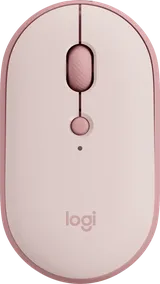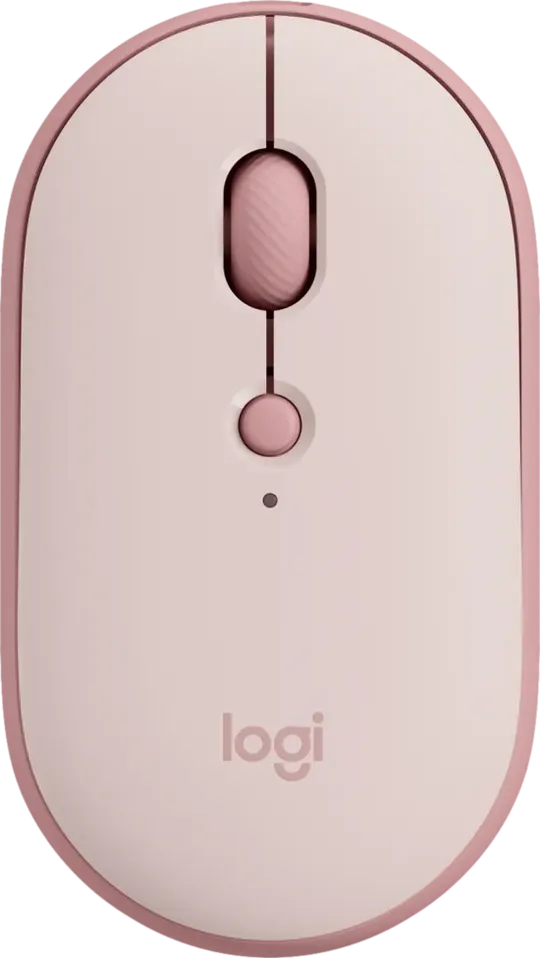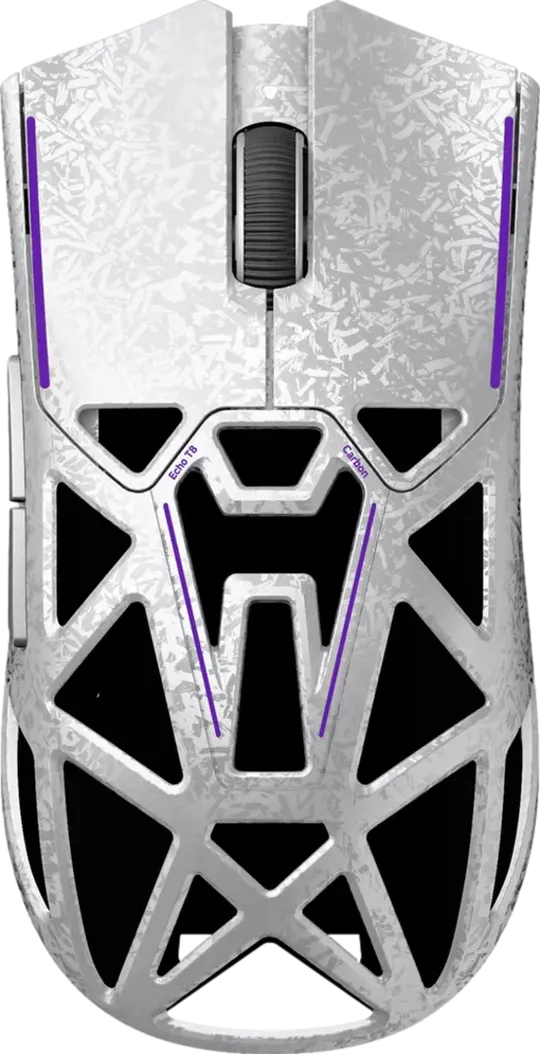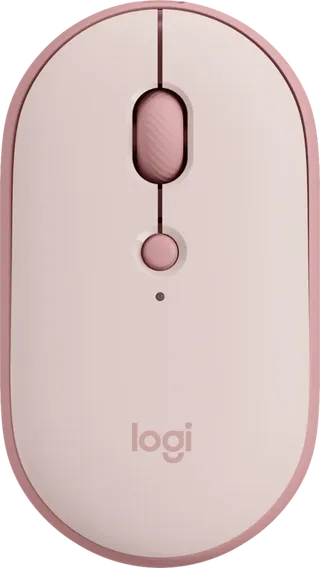
Logitech Pebble Up vs AKKO Echo: which is better?

Add a third product

Winner: AKKO Echo

Wins 4 of 4 areas

Who should buy the Pebble Up?

  • Gesture support: Yes
  • Lower price
  • Newer model

Who should buy the Echo?

  • Stronger performance
  • Stronger buttons
  • Polling rate: 8000 Hz

Who leads by area

Area score out of 100: how close each product is to the best value in every spec, weighted by how much buyers care.

Pebble UpEcho
  • 55 Performance 100
  • 89 General info 94
  • 46 Buttons 100
  • 92 Design 97
  • Polling rate Important
    Pebble Up125 Hz Echo8000 Hz
    ×64 vs Pebble Up
  • Number of programmable buttons
    Pebble Up2 Echo7
    ×3.5 vs Pebble Up
  • Number of buttons
    Pebble Up4 Echo7
    ×1.8 vs Pebble Up
  • Connection type
    Pebble UpUSB, Bluetooth Echo2.4GHz wireless, USB, Bluetooth
  • Gesture support
    Pebble UpYes EchoNo
  • Minimum DPI
    Pebble Up400 DPI Echo50 DPI
    −350 DPI vs Pebble Up

Best prices

Prices are updated daily and may differ from the shop. We may earn a commission from purchases.

Logitech Pebble Upfrom $18.74
AKKO Echofrom $75.99

Overview

Why is it better?
Logitech Pebble Up wins in 3 specs
  • Gesture support
    Yes
    vs No
  • Thickness
    30 mm
    vs 40.5 mm
  • Width
    59.6 mm
    vs 63.7 mm
AKKO Echo wins in 12 specs
  • Polling rate
    8000 Hz
    vs 125 Hz
  • Number of programmable buttons
    7
    vs 2
  • Number of buttons
    7
    vs 4
  • Connection type
    2.4GHz wireless, USB, Bluetooth
    vs USB, Bluetooth
  • Minimum DPI
    50 DPI
    vs 400 DPI
  • Maximum DPI
    65,000 DPI
    vs 4000 DPI
  • Type
    Gaming
    vs Productivity
  • Number of side buttons
    2
    vs 0
All specifications side by side
Logitech Pebble Up
Logitech Pebble Up
Logitech
from $18.74
AKKO Echo
AKKO Echo
Akko
from $75.99
Winner
Comparexo score
3.6
Overall score
7.6
Winner
Performance
General info
Buttons
Design

5.0 points
5.0 points
2.6 points
3.8 points
9.9 points
8.0 points
3.6 points
6.0 points

Key specs

What matters most

No differences in this section

Weight
79 g
55 g

Performance

Specifications

No differences in this section

Polling rate
125 Hz
8000 Hz
Maximum speed
Unknown
850 IPS
Maximum acceleration
Unknown
75 G
Maximum DPI
4000 DPI
65,000 DPI
Minimum DPI
400 DPI
50 DPI
Adjustable DPI
Yes
Yes

General info

Specifications

No differences in this section

Type
Productivity
Gaming
Connection type
USB, Bluetooth
2.4GHz wireless, USB, Bluetooth
Sensor
Unknown
PixArt PAW3955
Onboard memory profiles
Unknown
3
Gesture support
Yes
No
Use while charging
Yes
Yes
Wireless charging
No
Yes
Rechargeable battery
Yes
Yes
Removable battery
No
No
Warranty period
1 years
1 years
Release date
25 Oct 2026
25 Aug 2026

Buttons

Specifications

No differences in this section

Number of buttons
4
7
Number of side buttons
0
2
Number of programmable buttons
2
7
DPI switching button
Yes
Yes
Profile switching button
No
No

Design

Specifications

No differences in this section

Orientation
Right-handed
Ambidextrous
Weight
79 g
55 g
RGB lighting
No
Unknown
Tilting scroll wheel
No
No
Thumb scroll wheel
No
No
Tuning weights included
No
No
Thickness
30 mm
40.5 mm
Height
105.8 mm
40.5 mm
Width
59.6 mm
63.7 mm
Size class
Small
Medium

Winner: AKKO Echo

7.6

AKKO Echo is better in 4 of 4 areas: it leads on the specs buyers care about most, and by a wider margin.

Polling rate ×64

8000 Hz vs 125 Hz

Number of programmable buttons ×3.5

7 vs 2

Number of buttons ×1.8

7 vs 4

Connection type

2.4GHz wireless, USB, Bluetooth vs USB, Bluetooth

Minimum DPI −350 DPI

50 DPI vs 400 DPI

Maximum DPI ×16.2

65,000 DPI vs 4000 DPI

Type

Gaming vs Productivity

Number of side buttons +2

2 vs 0